Set the cycle
Save the latest activity date and renewal interval.
SIM / eSIM KEEP-ALIVE ASSISTANT
Keep numbers, renewal deadlines, and linked accounts in one place. SIMMemo reminds you before a deadline, so every top-up, text, or call happens in time.
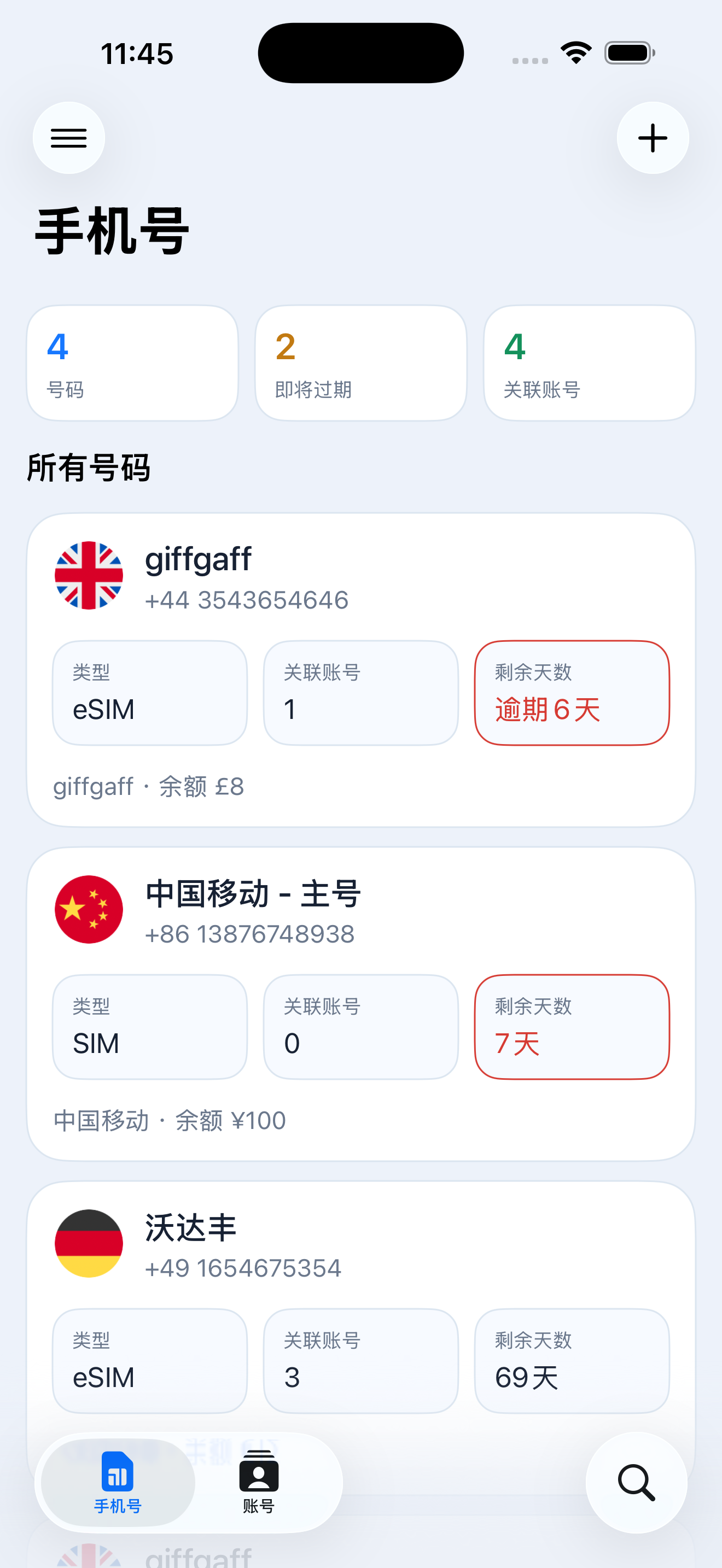
One clear next step
SIMMemo sorts every number by its nearest renewal deadline. Open the app and see the card that actually needs attention—not another unprioritized list.
Priority is not another list.
It should be clear at a glance.Keep-alive is more than a calendar event
Save the latest activity date and renewal interval.
Receive a local notification before the deadline.
Top up, send a text, or make a call—then record it.
The next deadline updates immediately.
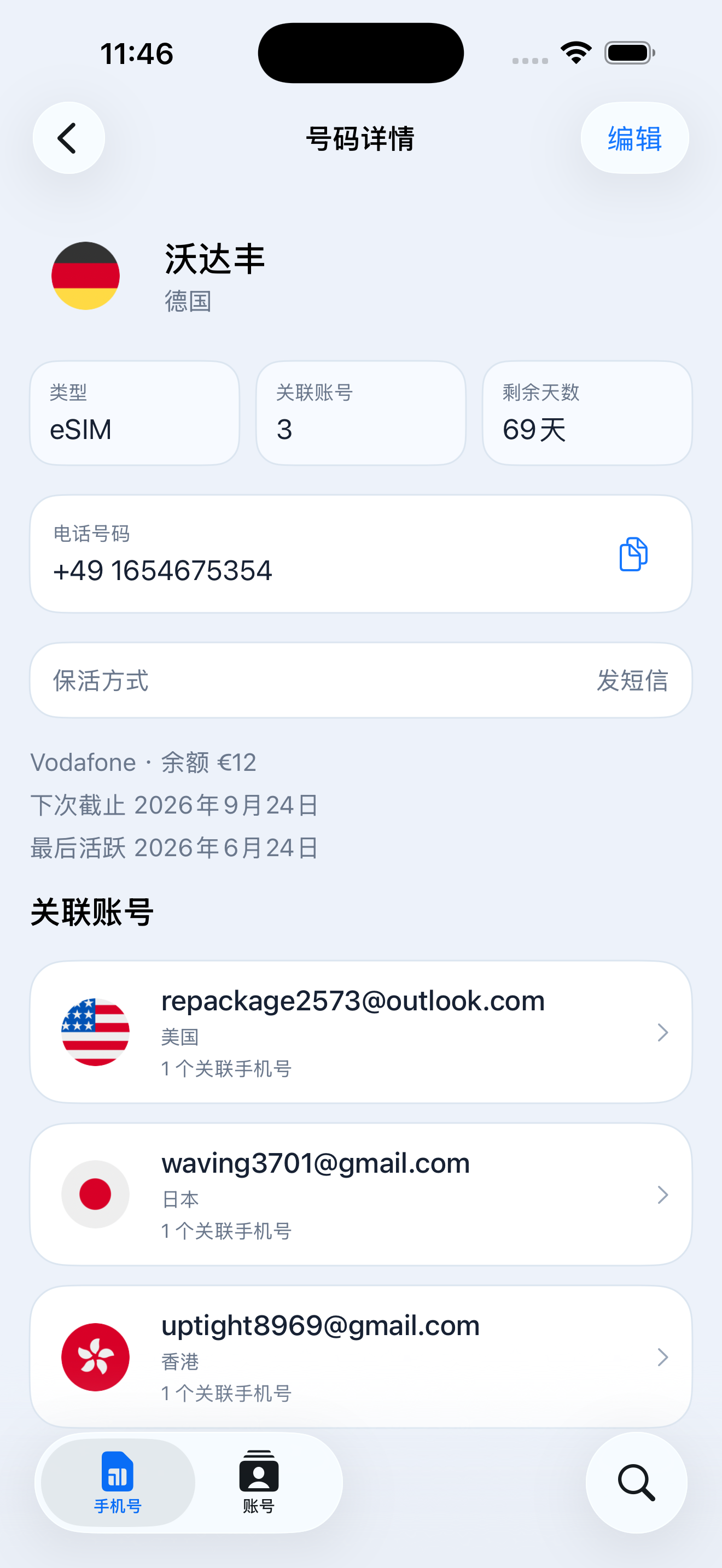
Just enough time to act.
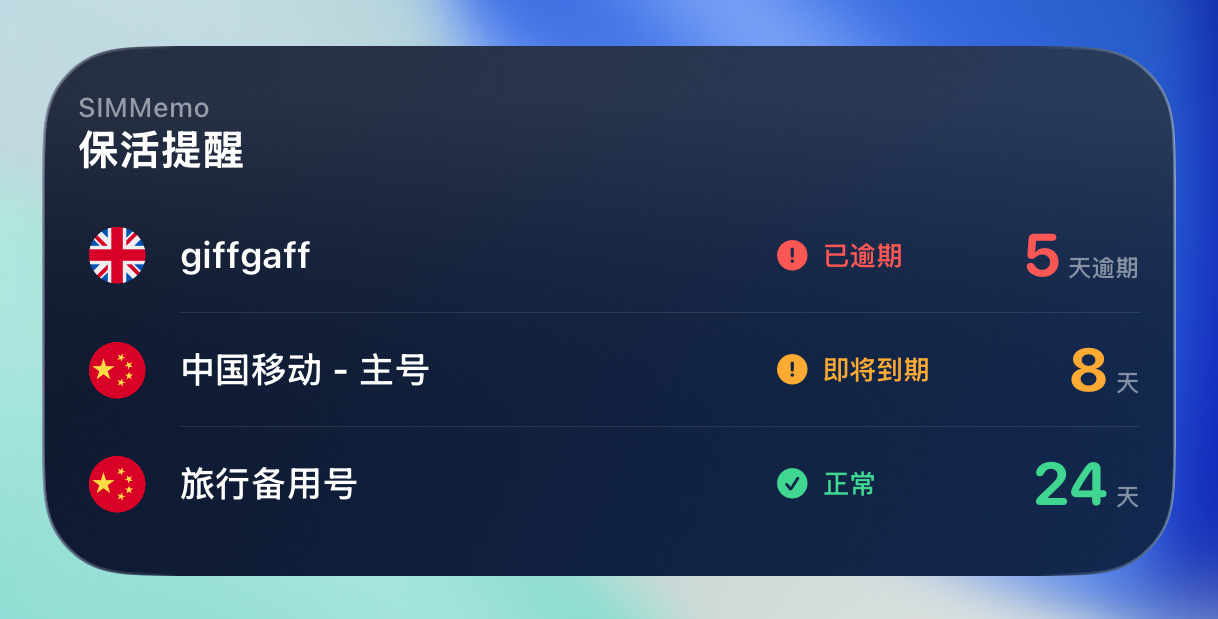
Accounts live behind every number
Connect each number to the service accounts that depend on it. You will always know which login, text verification, or recovery flow is still tied to that line.
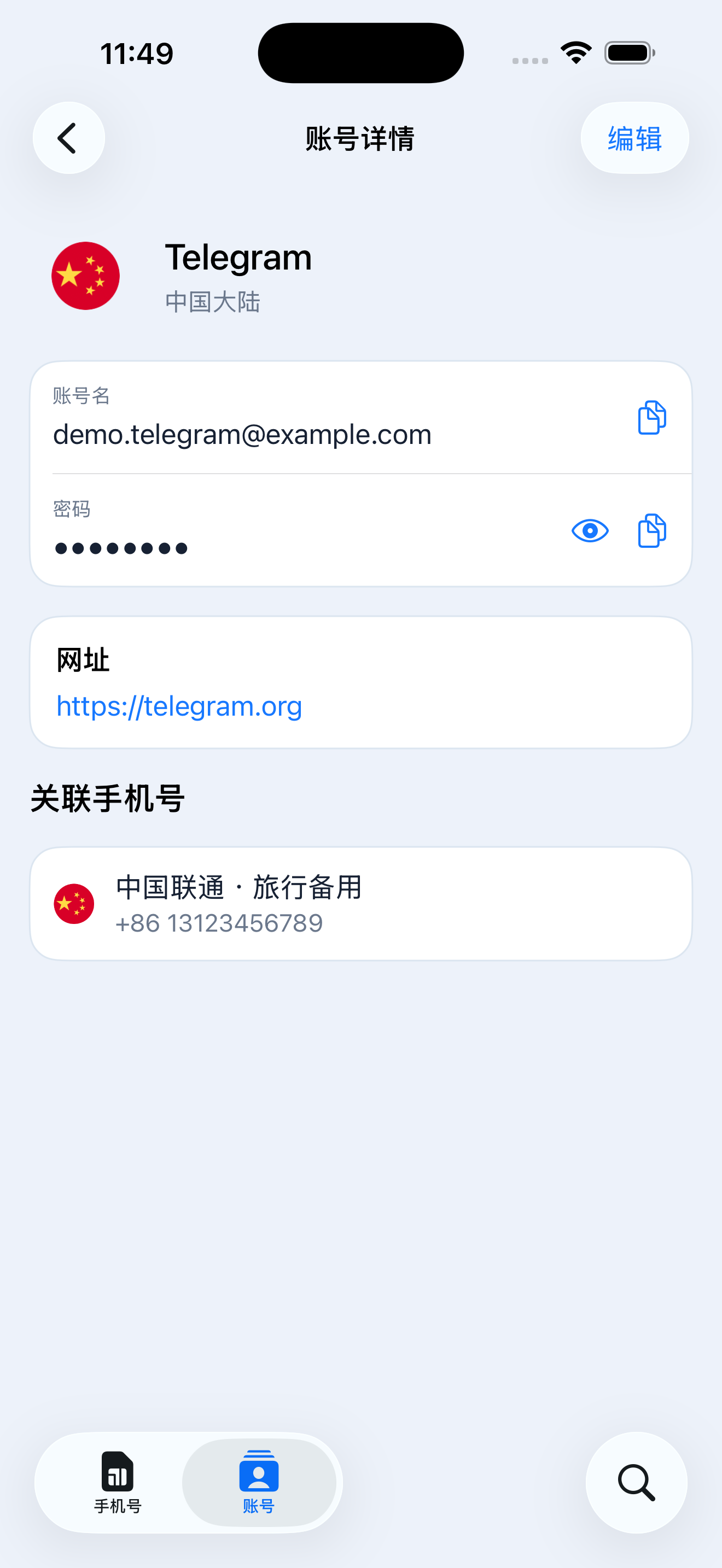
Your data stays yours
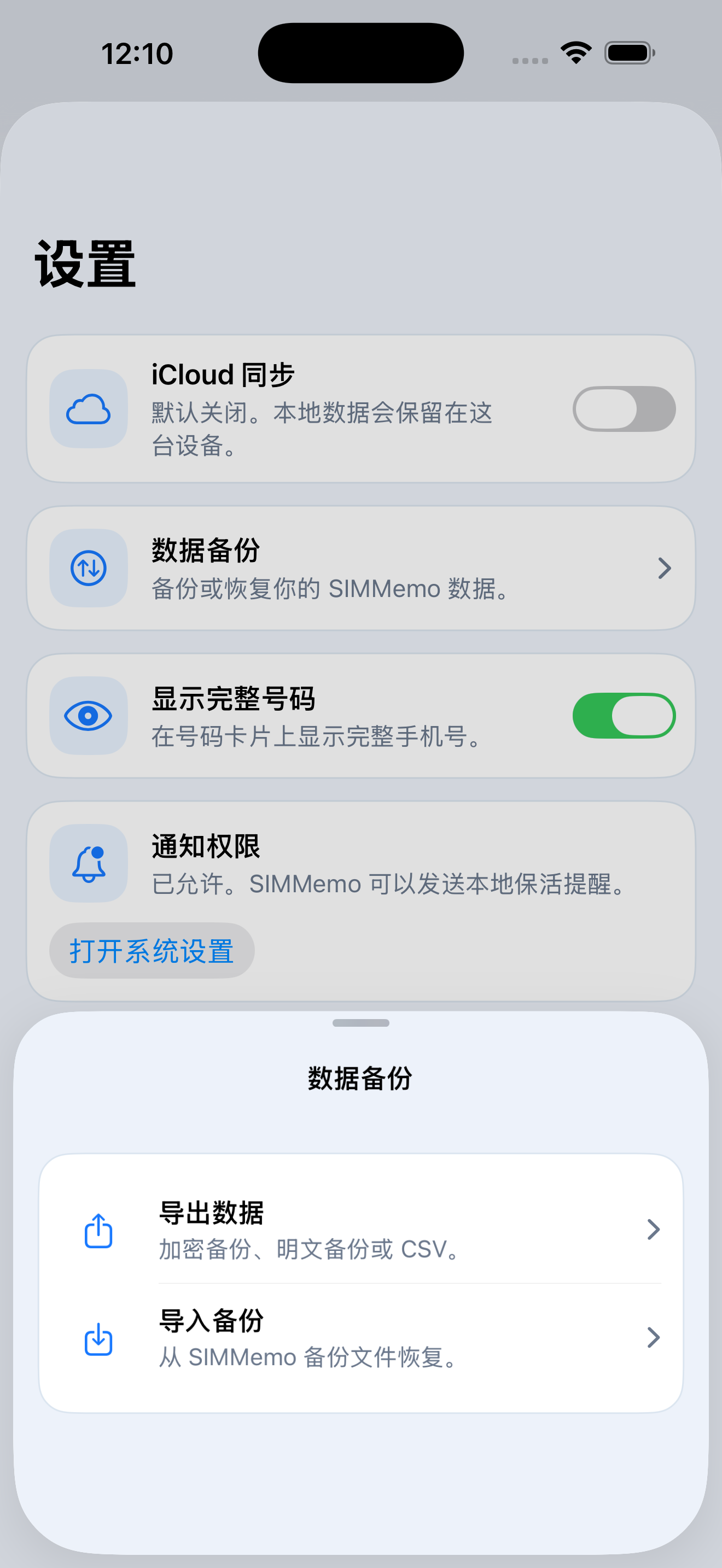
SIMMemo requires no account and runs no developer server that receives your records. Data stays on your device by default; private iCloud sync and manual backup are choices you control.
The important questions first
Many international carriers (like giffgaff, ClubSim, and Ultra Mobile) enforce strict inactivity cancellation windows (from 30 to 180 days). Missing a deadline results in immediate number deactivation, breaking access to bank 2FA, Apple ID, Telegram, and Google accounts. SIMMemo is built to track and remind you before expiration.
No. SIMMemo tracks deadlines and reminds you in advance. The actual top-up, text, call, or other keep-alive action is completed by you.
SIMMemo supports offline local notifications (at 30, 7, 3, and 1 days before expiry), iOS Home & Lock Screen interactive widgets, and calendar synchronization.
No. SIMMemo follows a strict Local-First architecture. All carrier data, expiry dates, and account notes stay on your device or in your personal private iCloud container without third-party servers.
SIMMemo supports iPhone and iPad running iOS or iPadOS 18 and later.
Yes. Export an encrypted backup, a plain backup, or CSV. To restore your records, import a SIMMemo backup file that you manage and store yourself.
SIMMemo

For iPhone and iPad · Requires iOS 18 or later